Eight Stops, Eight Screens: Building the Ultimate Route 66 Wallpaper Collection
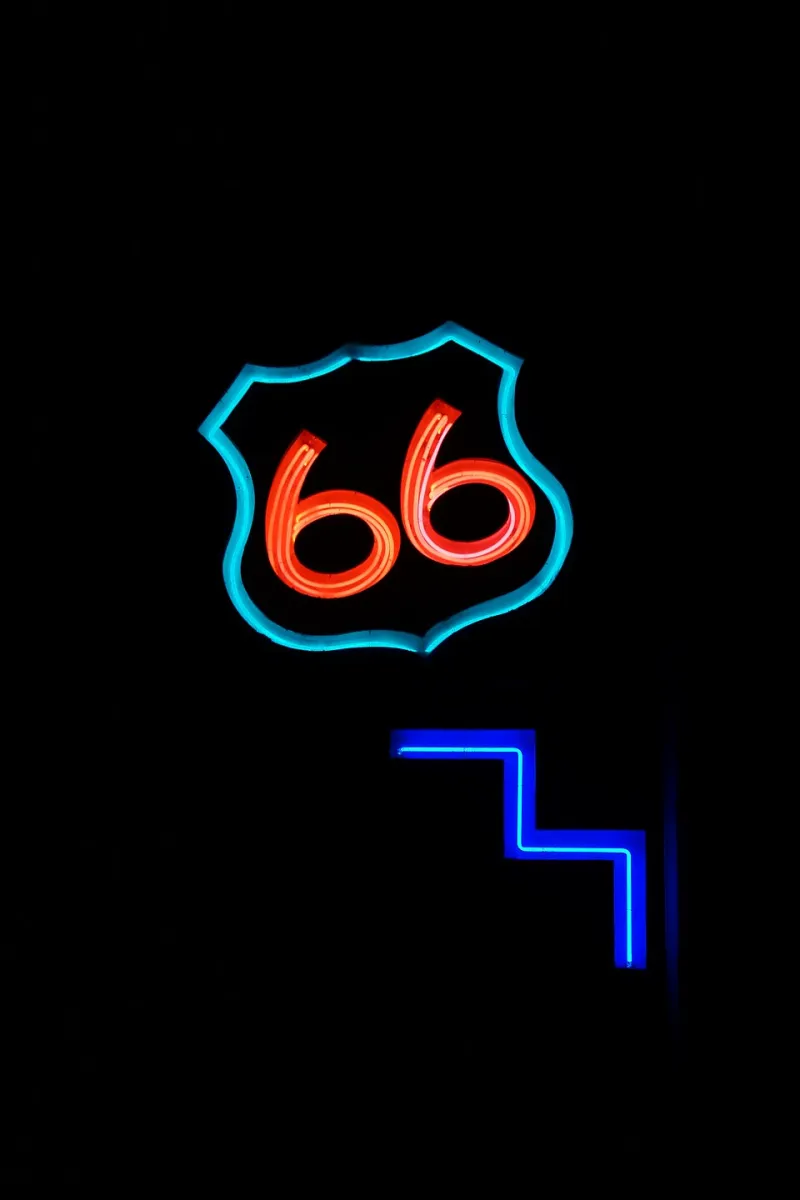
Photo: Chris English, CC BY-SA 3.0, via Wikimedia Commons
There are road trips, and then there's Route 66. Spanning roughly 2,400 miles from downtown Chicago to the Santa Monica Pier, the Mother Road has been photographed, painted, filmed, and romanticized for nearly a century. But here's a thought we don't hear often enough: it also happens to be the perfect source material for your screens.
Think about it. A great wallpaper needs drama, color, a sense of place, and a story you can feel even in a two-second glance. Route 66 delivers all four — over and over, state after state. So we retraced the highway (digitally, at least) and pulled together eight stops that work beautifully as a rotating collection. Swap them weekly and your desktop becomes a slow-motion road trip.
Stop 1: Chicago — Where the Road Begins
The official starting point sits at Adams Street and Michigan Avenue, steps from the Art Institute. The wallpaper angle here is urban and moody: the city's skyline at dusk, train rumbles overhead, that famous "BEGIN" street sign framed against glass towers. A shot of the sign at blue hour — when the sky deepens but the city lights haven't quite taken over — makes a striking, understated opener for the collection.
Stop 2: Chain of Rocks Bridge, Missouri
Straddling the Mississippi just north of St. Louis, this 1929 bridge has a quirk that photographers love: a 22-degree bend in the middle of the span. Shot from the pedestrian deck in morning fog, the bridge practically composes itself — leading lines, river haze, a hint of rust-orange steel. It's a quieter image than you'd expect from a highway landmark, and it pairs beautifully with a minimalist desktop setup.
Stop 3: Meramec Caverns, Missouri
You can't talk Route 66 without talking roadside Americana, and Meramec Caverns is the genre's greatest-hits album in building form. The giant painted barn roof, the bold vintage signage, the promise of wonders below — this is mid-century marketing frozen in enamel. As a wallpaper, it's pure nostalgia: saturated reds and whites against green Ozark hills. If your screens lean playful, start here.
Stop 4: Cadillac Ranch, Texas
Ten Cadillacs buried nose-down in a Amarillo field, spray-painted by thousands of visitors a year. No two photos of Cadillac Ranch are ever the same, which is exactly what makes it wallpaper gold. Go at sunrise, when the paint layers glow and the Panhandle sky does something unreasonable with pink and gold. Bonus: the wide-open negative space at the top of the frame gives your desktop icons room to breathe.
Stop 5: Tucumcari, New Mexico
Neon lovers, this one's yours. Tucumcari's motel signs — the Blue Swallow above all of them — are among the most photographed objects on the entire route. Captured at night with the tubes buzzing against a black sky, a shot of the Blue Swallow's glowing script turns your phone lock screen into a tiny time machine. It's the rare patriotic-adjacent Americana image that never feels kitschy.
Stop 6: The Painted Desert, Arizona
Somewhere past the Petrified Forest, the landscape stops pretending to be ordinary. Banded hills of lavender, rust, and cream roll to the horizon, and the light changes them by the hour. A wide Painted Desert vista is arguably the most genuinely beautiful image on this list — the kind of wallpaper that makes coworkers ask where you went. Answer honestly: nowhere. It came to you.
Stop 7: Seligman, Arizona
Seligma saved itself from the interstate by leaning hard into Route 66 identity, and the town wears its retro heart on every storefront. The wallpaper play here is detail work: a weathered gas pump, a vintage diner counter, a hand-painted sign with chipped edges. These tight, textured shots are underrated as wallpapers — they add warmth and character without shouting.
Stop 8: Santa Monica Pier — The End of the Trail
Every collection needs a finale, and Route 66's is hard to beat. The "End of the Trail" sign at the pier, the Ferris wheel lit up against a Pacific sunset, the exact spot where the highway dissolves into ocean — it's the emotional payoff for the whole journey. Shoot it (or choose a shot) with the sun low and the crowds blurred, and you've got a closing image that feels earned.
How to Rotate the Collection
A few tips for making the Mother Road work on your devices:
- Match image mood to season. Neon Tucumcari hits different in winter; the Painted Desert belongs on a summer screen.
- Keep a consistent crop. Route 66 imagery shines in widescreen — resist cropping the sky out of desert shots.
- Order matters. Running the collection geographically, Chicago to Santa Monica, gives the rotation a built-in narrative arc.
- Don't fear grain. A little vintage texture suits the subject. Crisp isn't always the goal.
The Road Lives on Your Screen
Route 66 was decommissioned as a federal highway in 1985, but it never really went anywhere — it just moved. Onto signage, songs, movies, and now, quite literally, onto the screens we stare at all day. There's something fitting about that. The road was always about the journey compressed into a single stretch of pavement; a wallpaper collection just does the same thing in pixels.
So queue up the eight stops, set your rotation, and let the Mother Road roll across your desktop — one glorious, neon-soaked, desert-sunset image at a time.